Workspaces and tasks
Two levels, and the difference is worth holding on to.
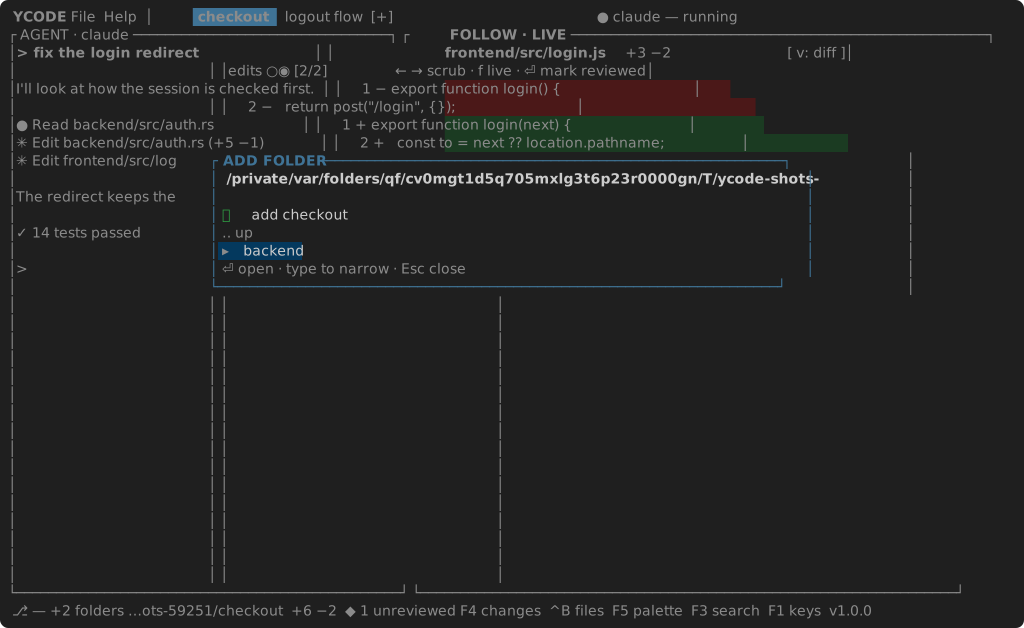
A workspace is what you work on: a list of folders — repositories,
usually, but any folder will do. It is the File menu's business:
| Open Recent Workspace… | Ctrl+R — every workspace opened before, its folders and all |
| Add Folder to Workspace… | walks the filesystem: type to narrow, Enter to step in, Enter on the first row to add the folder the walk stands on |
| Remove Folder… | the workspace's folders; Enter takes one out |
A task is what an agent is doing: a tab, with its own agent, its own timeline and its own CHANGES. Every task works in the workspace's folders — or in a worktree of its own for each of them.
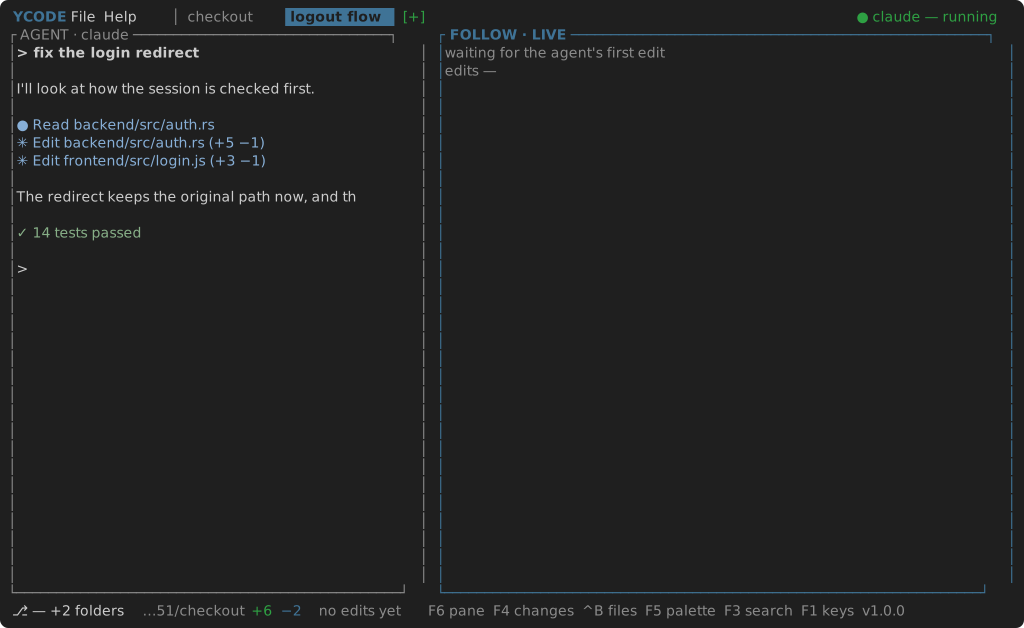
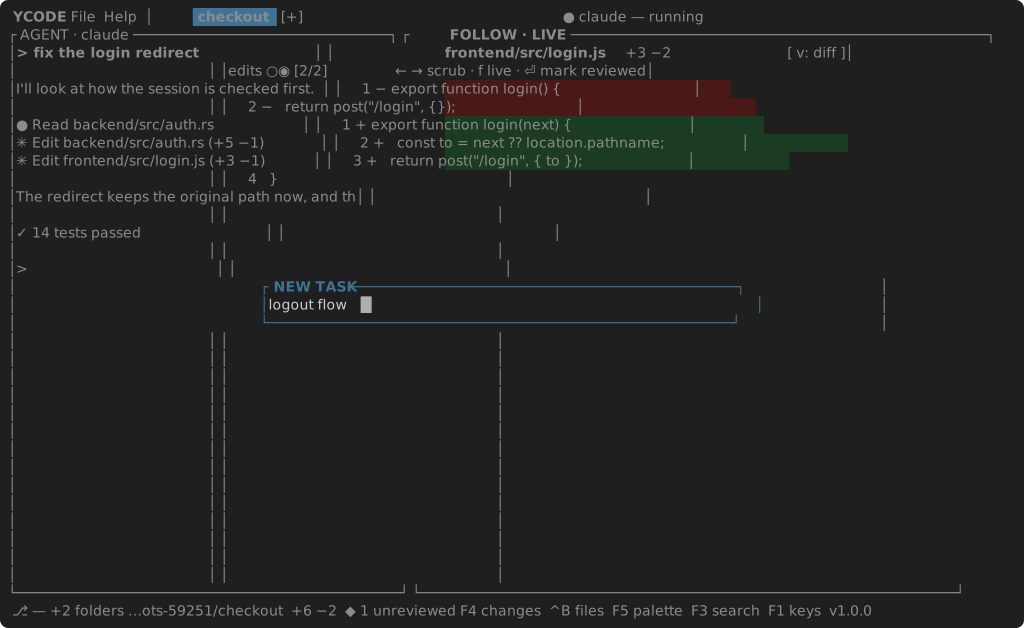
F7 — or [+] in the header, or File → New Task… — asks for a name. For
every folder of the workspace that is a repository it makes a worktree on a
branch of that name; folders that are not repositories are shared as they are,
but every repository on one — a bench —
gets a worktree of its own too. An agent starts in the result, and the tab is
called by the name.
| Key | |
|---|---|
| New task | F7 |
| Next / previous | Ctrl+L / Ctrl+K, or click the tab |
| Rename | F2, or a right click on the tab |
| Delete the task | a right click on the tab — its worktrees go, their branches stay |
| Close the tab | Ctrl+W — the agent stops, the worktrees stay |
| Reorder | drag a tab along the strip |
The first task, the one without a name of its own, works in the workspace's
folders themselves. It is called by its pull request when gh is installed and
the branch has one (#42 Fix the login redirect), else by its branch, else by
the folder.
Where a task's worktrees go is worktrees_dir in settings:
empty means a <repo>-worktrees folder beside each repository, and a folder
named there holds one folder per repository, so two repositories never collide.
Several folders, one task
A feature that touches a backend and a frontend is one workspace with two folders, and one task across both:
- the timeline carries the edits of both, each named by its folder —
frontend/src/login.js; - CHANGES heads each folder with its branch and its counts;
- the FILES tree heads each folder, and Ctrl+P and project search reach across both;
- the status bar shows the main folder's branch and
+1 folders.
Folders that hold repositories
A folder that holds repositories rather than being one — a bench of related
projects, backend/, frontend/, python-orbis/ side by side — is followed
through each of them: every repository inside it, two levels deep, is watched
in its own right, heads its own section in CHANGES, and names the edits that
come from it. The bench itself is watched for the loose files around them, and
no file is reported twice. A named task takes a worktree of each repository on
the bench, beside it — backend-worktrees/3016 for the task 3016 — and
follows that in the repository's place, so two tasks on one bench never see
each other's edits; the loose files stay shared.
An agent that sets up a worktree of its own inside one of the task's folders —
.worktrees/the-branch, say, whether inside the repository or beside it under
the bench — is followed there without being asked: the worktree joins the task
while it is there, and leaves when it is removed. One named after a task —
backend-3016 for the task 3016 — belongs to that task alone, however many
tasks share the folder it lies in.
A folder that is not a repository at all is watched the same way: its files are read rather than asked of git, and their edits land on the timeline like any other. CHANGES has nothing to say about it, and says so.